


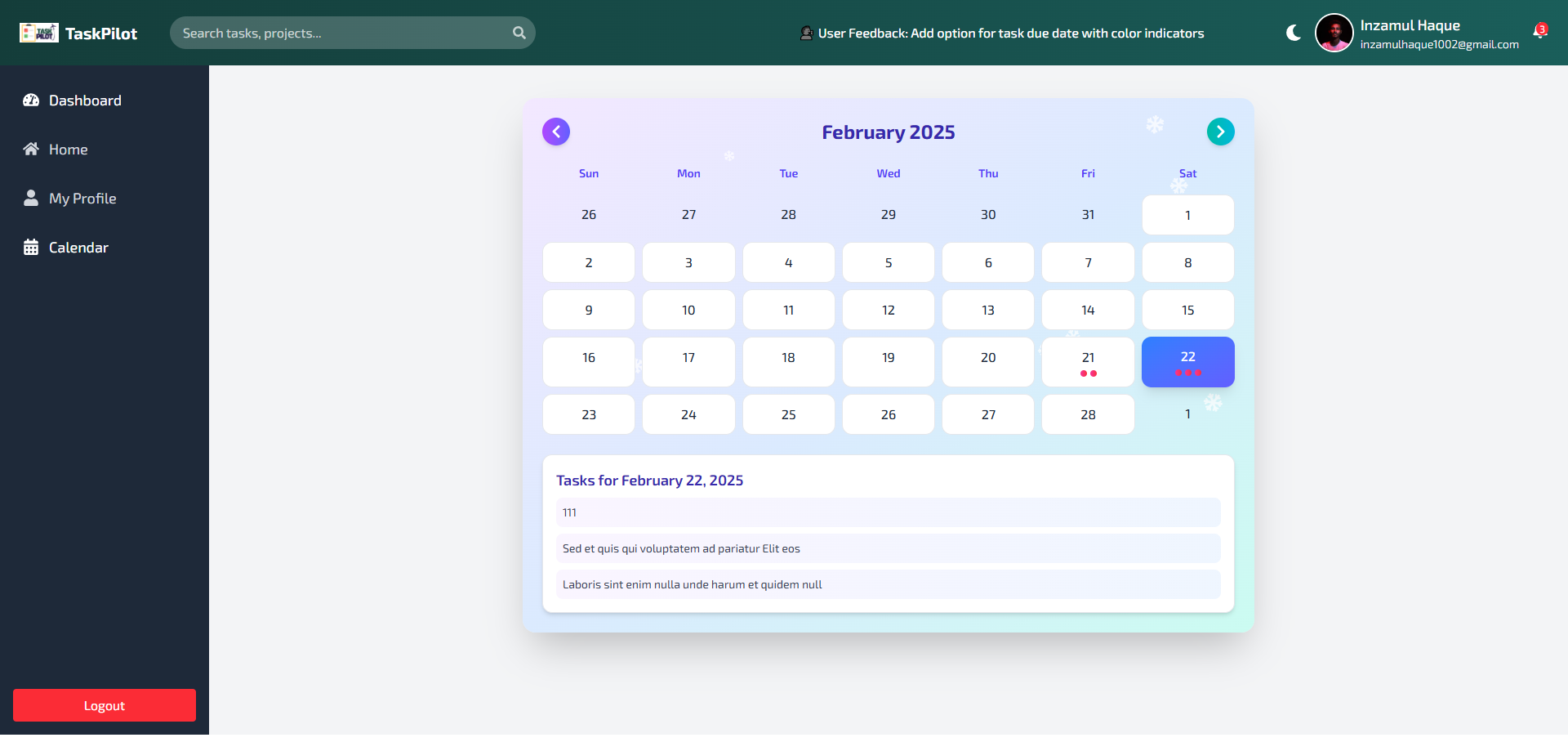

TaskPilot is a modern task management application built with React and Vite. It helps users organize their tasks efficiently with features like drag-and-drop task organization, calendar integration, and real-time updates.
- Task Management: Create, update, and delete tasks.
- Calendar Integration: View tasks on a calendar for better planning.
- Drag-and-Drop: Reorder tasks using a drag-and-drop interface.
- Real-Time Updates: Collaborate with team members in real-time.
- Light/Dark Mode: Switch between light and dark themes.
- Frontend: TaskPilot Client
- Backend: TaskPilot Server
Technologies Used Frontend:


- Clone the repository:
git clone https://github.com/inzamulhaque1/TaskPilot-client.git
- Navigate to the project directory:
cd TaskPilot-client - Install dependencies:
npm install
- Start the development server:
npm run dev
- Clone the repository:
git clone https://github.com/inzamulhaque1/TaskPilot-server.git
- Navigate to the project directory:
cd TaskPilot-server - Install dependencies:
npm install
- Start the server:
npm start
{
  "dependencies": {
    "@firebase/auth": "^1.9.0",
    "@firebase/firestore": "^4.7.8",
    "@hello-pangea/dnd": "^18.0.1",
    "@radix-ui/react-icons": "^1.3.2",
    "@tailwindcss/vite": "^4.0.7",
    "axios": "^1.7.9",
    "date-fns": "^4.1.0",
    "firebase": "^11.3.1",
    "framer-motion": "^12.4.5",
    "localforage": "^1.10.0",
    "lodash": "^4.17.21",
    "lucide-react": "^0.475.0",
    "match-sorter": "^8.0.0",
    "moment": "^2.30.1",
    "react": "^18.3.1",
    "react-beautiful-dnd": "^13.1.1",
    "react-dom": "^18.2.0",
    "react-hook-form": "^7.54.2",
    "react-icons": "^5.5.0",
    "react-router-dom": "^7.2.0",
    "react-tooltip": "^5.28.0",
    "socket.io-client": "^4.8.1",
    "sort-by": "^1.2.0",
    "sweetalert2": "^11.17.2",
    "tailwindcss": "^4.0.7"
  }
}{
"dependencies": {
"cors": "^2.8.5",
"dotenv": "^16.4.7",
"express": "^4.21.2",
"mongodb": "^6.13.0",
"socket.io": "^4.8.1"
}
}npm run dev: Start the development server.npm run build: Build the project for production.npm run lint: Run ESLint to check for code issues.npm run preview: Preview the production build locally.
npm start: Start the backend server.
-
Code Cleanliness:
- Follow consistent naming conventions for variables, functions, and files.
- Use ESLint and Prettier for code formatting and linting.
-
Folder Structure:
- Organize files into logical folders (e.g.,
components,pages,utils). - Keep reusable components in the
componentsfolder.
- Organize files into logical folders (e.g.,
-
Environment Variables:
- Use
.envfiles to store sensitive information like API keys and database credentials.
- Use
-
Responsive Design:
- Use Tailwind CSS for responsive and mobile-first design.
-
Error Handling:
- Implement proper error handling in both the frontend and backend.
For any questions or feedback, feel free to reach out:
Thank you for using TaskPilot! 🚀
This README is concise, well-structured, and follows the style of the default Vite + React template. Let me know if you need further adjustments! 😊
Leave a Reply